Chrome extension
Clip the YouTube video you are watching
A “Clip it” button shows up under the player. One click: the video goes to Smart Clipper, and your scored, reframed, captioned clips land in the extension window.
Chrome, Edge and Brave on desktop · works on the free plan, 40 minutes of video a month
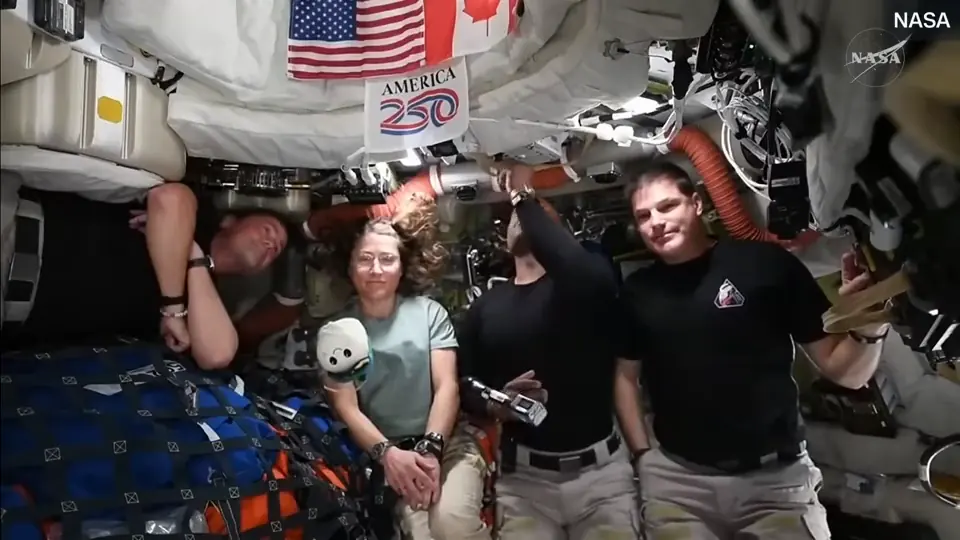
Rueda de prensa de la tripulación de Artemis II
 ClipOnItThe video in this tab
NASA video, public domain, no affiliation · real ClipOnIt results
Installed in two minutes
Publication on the Chrome Web Store is in progress. Meanwhile, the folder loads straight into Chrome.
- 1
Download and unzip
- 2
Open extensions
Type
chrome://extensionsand turn on developer mode, top right. - 3
Load the folder
“Load unpacked”, then pick the unzipped folder.
- 4
Connect your account
What it sees about you
It only runs on YouTube and only talks to cliponit.app. The code is in the folder you load: nothing is loaded remotely.
Privacy policyWhat it sends
- The address of the video you ask to clip
- Your account token, to find your clips
What it never does
- Read your history or your other tabs
- Load an ad tracker or analytics
- Ask for your password
Frequently asked questions
Plan, browsers, Shorts, sign-in and storage.
Do I need a paid plan?
No. The extension works on the free plan: 40 minutes of video a month, no card, with a watermark. It uses the same account and quotas as Smart Clipper.
Why not on the Chrome Web Store yet?
Publication is in progress. Meanwhile, you download the extension folder and load it into Chrome in two minutes; the code is the same.
Which browsers?
Chrome and browsers that accept its extensions, such as Edge and Brave, on desktop.
Does it work on Shorts?
The button shows up on YouTube videos, Shorts included. The video needs speech: moments are found in what is said.
Where do my clips go?
To your ClipOnIt account, hosted in the European Union. You download them from the extension window or open them in the editor.
How do I connect it to my account?
Open the Extension page of your ClipOnIt account and confirm: the page hands a token to the extension. You never type your password into the extension.
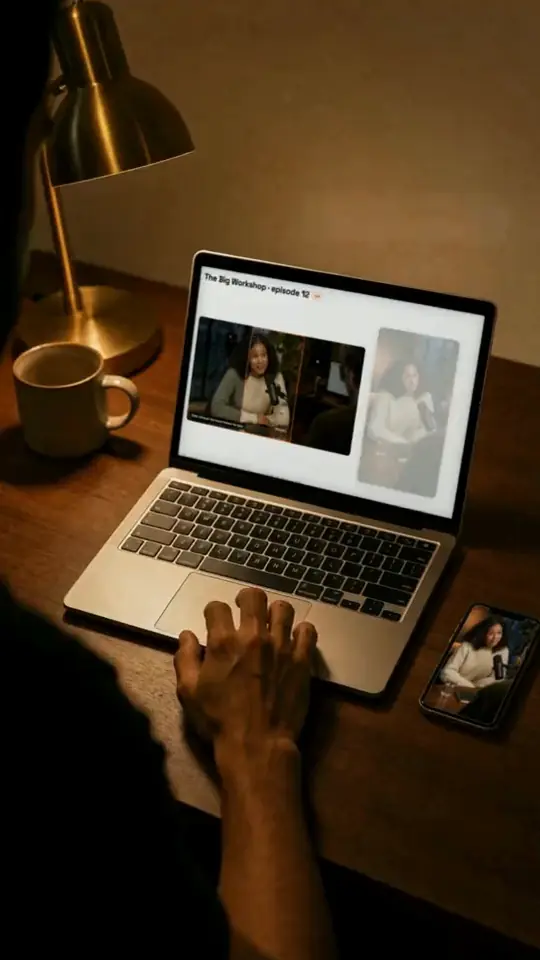
Your next YouTube video, as clips
Install the extension, connect your account, and click Clip it under the next video you watch.