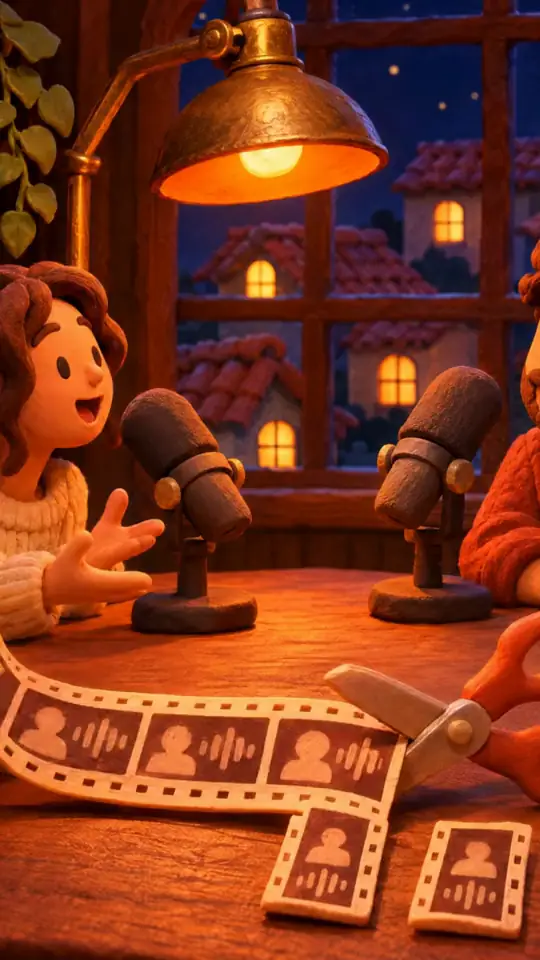
Cut a webinar into short clips
Import your webinar recording (MP4 export from Zoom, Teams or Meet): ClipOnIt extracts the strongest passages, removes silences, adds captions and exports each clip in 9:16, 16:9, 1:1 or 4:5 depending on the network.
40 minutes of video a month, no card · then 8 hours a month from $29

In three steps
- Drop the recording
MP4, MOV or WEBM, up to 8 GB (Starter) or 20 GB (Pro, Business).
- Keep the best passages
Each suggested clip has a score out of 100 and a reason; you adjust the start and end in the editor.
- Export per network
One independent edit per format: 16:9 for YouTube, 1:1 or 4:5 for LinkedIn, 9:16 for Reels and Shorts.
Why ClipOnIt
- A webinar of an hour or more works: up to 2 h per video on Starter, 3 h on Pro and Business.
- Premiere Pro XML export from Pro to finish the edit in your own software.
- Videos hosted in the EU (Hetzner, Finland); on paid plans, clips and exports stay for as long as the subscription is active.
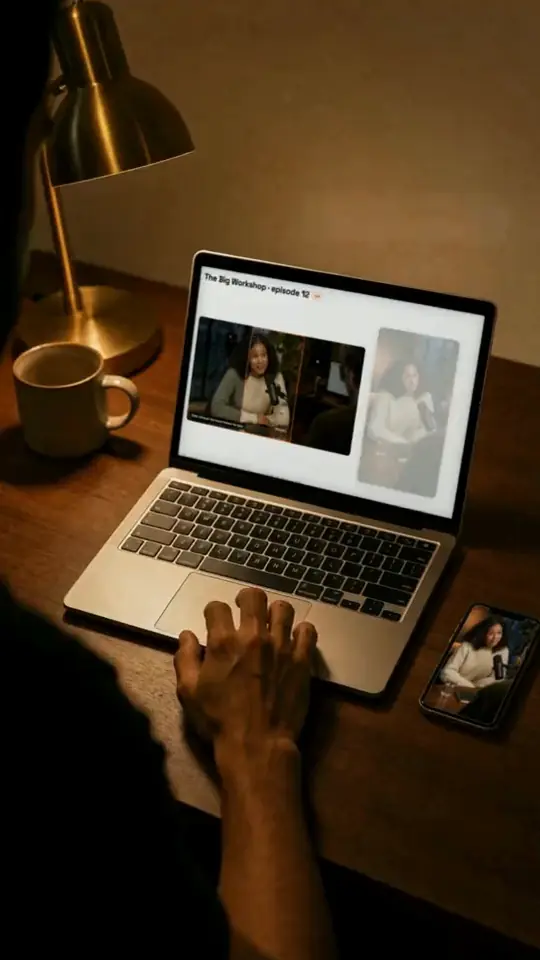
Frequently asked questions
Formats, pricing, edge cases: the short answers.
My webinar is over an hour long, will it work?
Yes. A video can last up to 2 h on Starter and 3 h on Pro and Business, within the month's hours of video (8 h, 15 h or 40 h). The free plan accepts videos up to 20 minutes.
How much does ClipOnIt cost?
Free: 40 minutes of video per month (2 videos up to 20 minutes), no credit card, with a watermark. Starter $29/month: 8 hours of video per month, watermark-free, API and MCP. Pro $49/month: 15 hours and Premiere Pro XML export. Business $149/month: 40 hours and 3 seats. AI Explainer is included in every paid plan. Yearly: 10 months paid for 12.
Other use cases
- Smart Clipper

Turn a video podcast into shorts
One episode a week, clips for every day.
See how - Smart Clipper

Turn a YouTube video into TikToks and Reels
Your long video feeds Shorts, Reels and TikTok.
See how - Smart Clipper

Create video clips for LinkedIn
Interviews and talks as square clips, with your logo.
See how
Compare with another tool
Your next video already has its clips
Upload it or paste its link. The clips will be waiting, scored, reframed and captioned.